Skip to content
MAFLO — A Proeffico Product
The bit your CFO will not let you sign without

A platform, not a package.

Every Tally / Zoho / ERPNext evaluation ends on the same question — ‘can we customise it without paying ₹5 lakh a year for a partner?’ MAFLO\'s answer is four low-code layers that let your team change workflows, extend masters, switch verticals and tune per-tenant config — without touching the codebase.

What this catches

Stop bleeding margin on the things you can't see.

  • Customisation cost stuck in a partner's rate card forever
  • Forked codebases that block every product upgrade
  • Vertical-specific tweaks lost across multi-plant deployments
  • Reporting hierarchies maintained in a separate HR system
  • Approval routing changes requiring a developer ticket

Workflow Templates — server-validated FSM

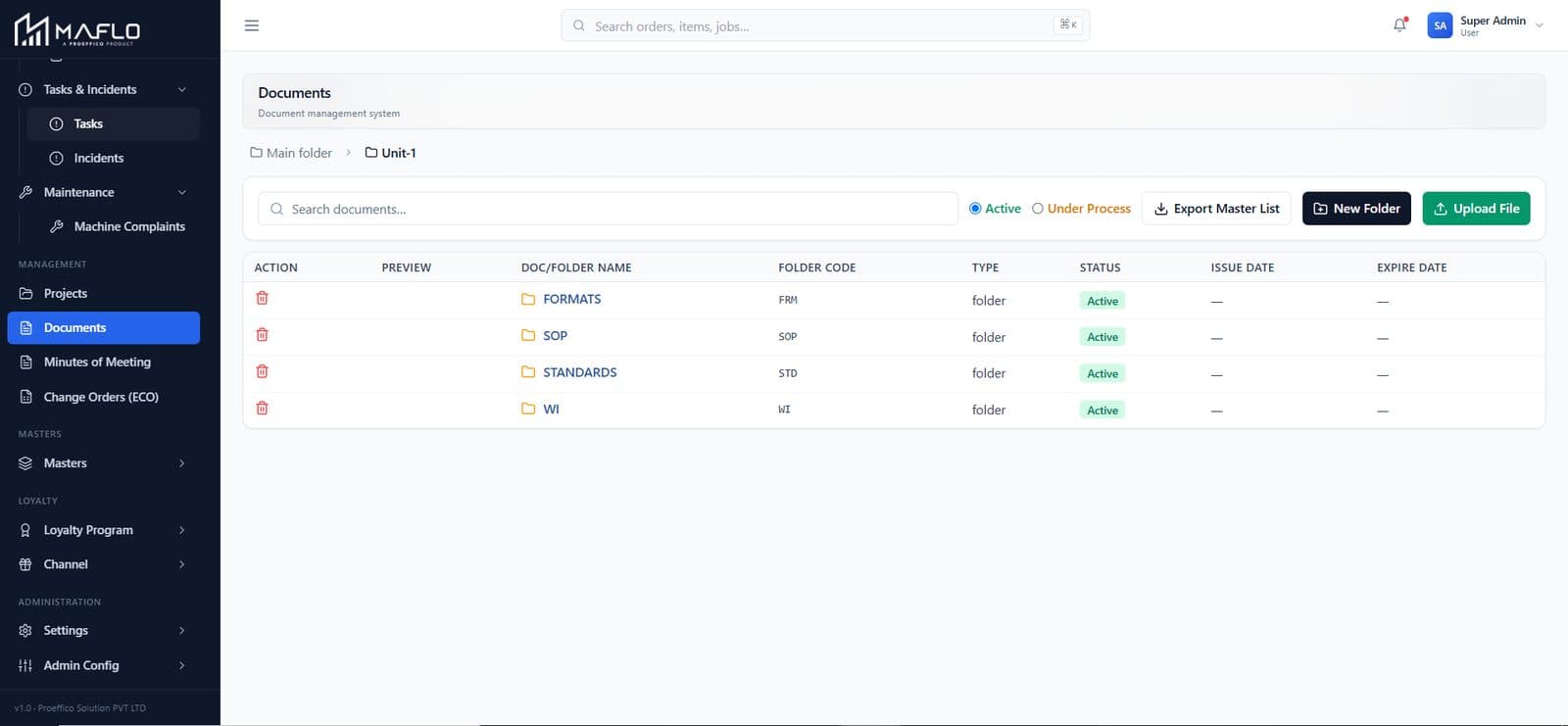
Define your own state machine per scope — orders, job cards, dispatch, GRN, POs. The server validates the FSM on save. Default workflows ship in; customise them or add your own.

  • States + transitions defined per scope (orders, JCs, dispatch, GRN, PO)
  • Server-validated on save — no invalid transition can be persisted
  • “Bound to your tenant” / “Switch tenant” — multi-tenant first-class
  • Defaults ship with the product; customise or replace
Workflow Templates — server-validated FSM — live MAFLO screen

Master Templates — per-master form schemas

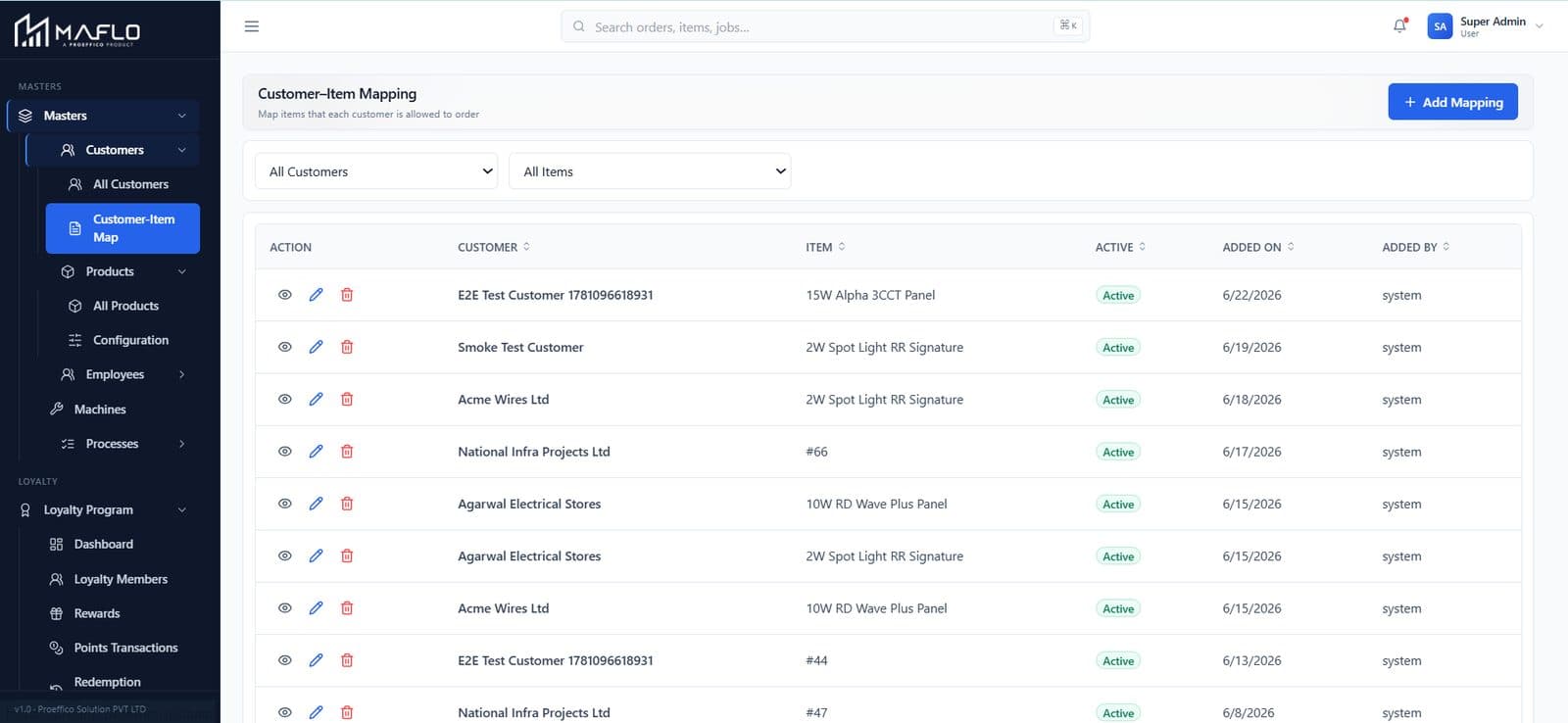
Form schemas drive create / edit for Products, BOM, Customers, Employees, Job Cards, Machines. Per-tenant — same data spine, your shape.

  • Six master types covered (Products, BOM, Customers, Employees, JC, Machines)
  • Per-tenant overrides — your shape, their data spine
  • Linked to the live master so changes propagate without migrations
  • Extension without forking the codebase
Master Templates — per-master form schemas — live MAFLO screen

Industry Templates — switch verticals

Per-tenant config inherits from an industry template — GENERAL, PROCESS (batch chemistry), TEXTILE, WIRE. Defines item attributes, BOM, QC parameters and barcode format. Bind a customer to it in a click.

  • Four templates live: GENERAL · PROCESS · TEXTILE · WIRE
  • Each defines item attributes, BOM, QC parameters, barcode format
  • Add your own industry; bind a tenant to it from the admin UI
  • Same product spine across verticals — no re-implementation
Industry Templates — switch verticals — live MAFLO screen

Client Config + Reporting Hierarchy

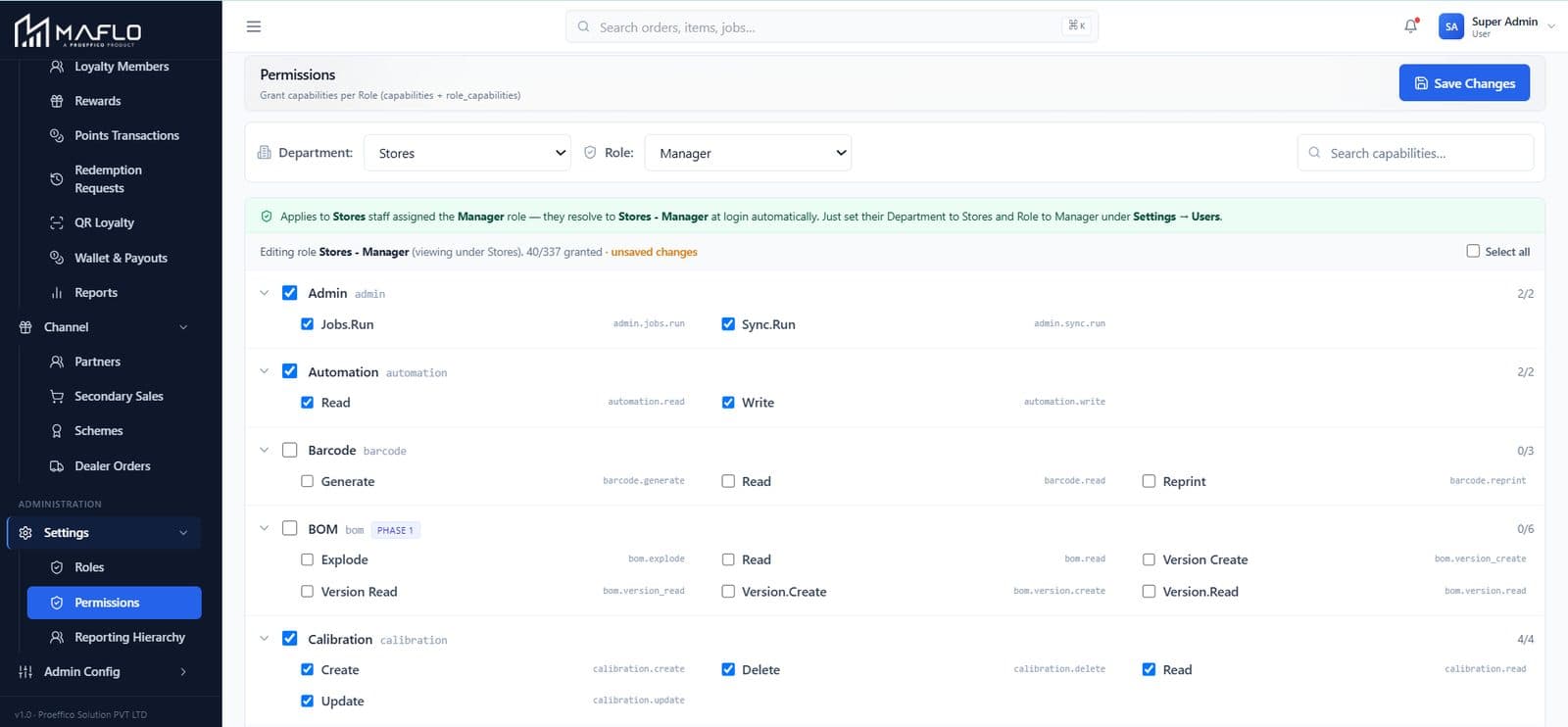
Per-tenant config keys with cache-invalidating writes — change behaviour without redeploying. Reporting Hierarchy stores manager → report edges, ready to power approvals across modules.

  • Per-tenant keys flip behaviour at runtime
  • Cache invalidates on write — no redeploy required
  • Reporting Hierarchy: manager → report edges in one place
  • Used by every approval workflow — Loyalty, ECO, RFQ, Dispatch
Client Config + Reporting Hierarchy — live MAFLO screen

Customise on a sandbox in 30 minutes.

Bring a workflow change you've been quoted for. We'll build it in front of you on the platform layer — no developer required.

Book a walkthrough
Configure — questions owners ask

Configure FAQ

How is this different from ERPNext's “everything is customisable” story?

ERPNext customisation runs through a developer touching code (a custom app, doctype changes, hooks). The forked work blocks every upgrade — partners charge ₹50K–10L per change and ₹5L/yr to keep it on-version. MAFLO's platform layer puts the same changes in config — your team owns them, and the product upgrade path stays clean because nothing is forked.

Can we really change a workflow without a developer?

For the four scopes that ship default (orders, JCs, dispatch, GRN, POs), yes — the admin UI lets you add states / transitions, the server validates the FSM shape on save. For new scopes (a workflow for a new module), Proeffico Pro Services configures the scope; once it exists, you customise it the same way.

What about approvals — do they live in MAFLO or in HR?

In MAFLO. The Reporting Hierarchy carries manager → report edges (you can import from HRMS or maintain inline). Every approval workflow — payout, ECO, RFQ award, dispatch override — routes through the hierarchy. Changing the org chart updates approvals everywhere, instantly.