Skip to content
MAFLO — A Proeffico Product
The shop floor, scanned

If it doesn't have a scan, it didn't happen.

MAFLO turns every coil, carton or batch into a barcoded unit. Job cards live on handhelds; production figures update the dashboard in real time. The 6 pm report is the truth — not what someone WhatsApped you.

What this catches

Stop bleeding margin on the things you can't see.

  • Ghost production on the daily report that never actually happened
  • Operators logging "produced" without a corresponding RM issue
  • Rework loops disappearing into someone's notebook
  • Machine downtime invisible until someone calls about a delay
  • Shift handover gaps where the next shift inherits a guess

MES + Job Cards

Each job card is owner-stamped: planned qty, machine, line, operator, status. State machine validates every transition — Created → In Progress → QC Pass → Closed.

  • Server-validated FSM on every status change
  • Plan vs produced live, by job card and by line
  • Operator + machine + line all tied to the barcode
  • Rework loops captured, not lost — same FSM, branching state
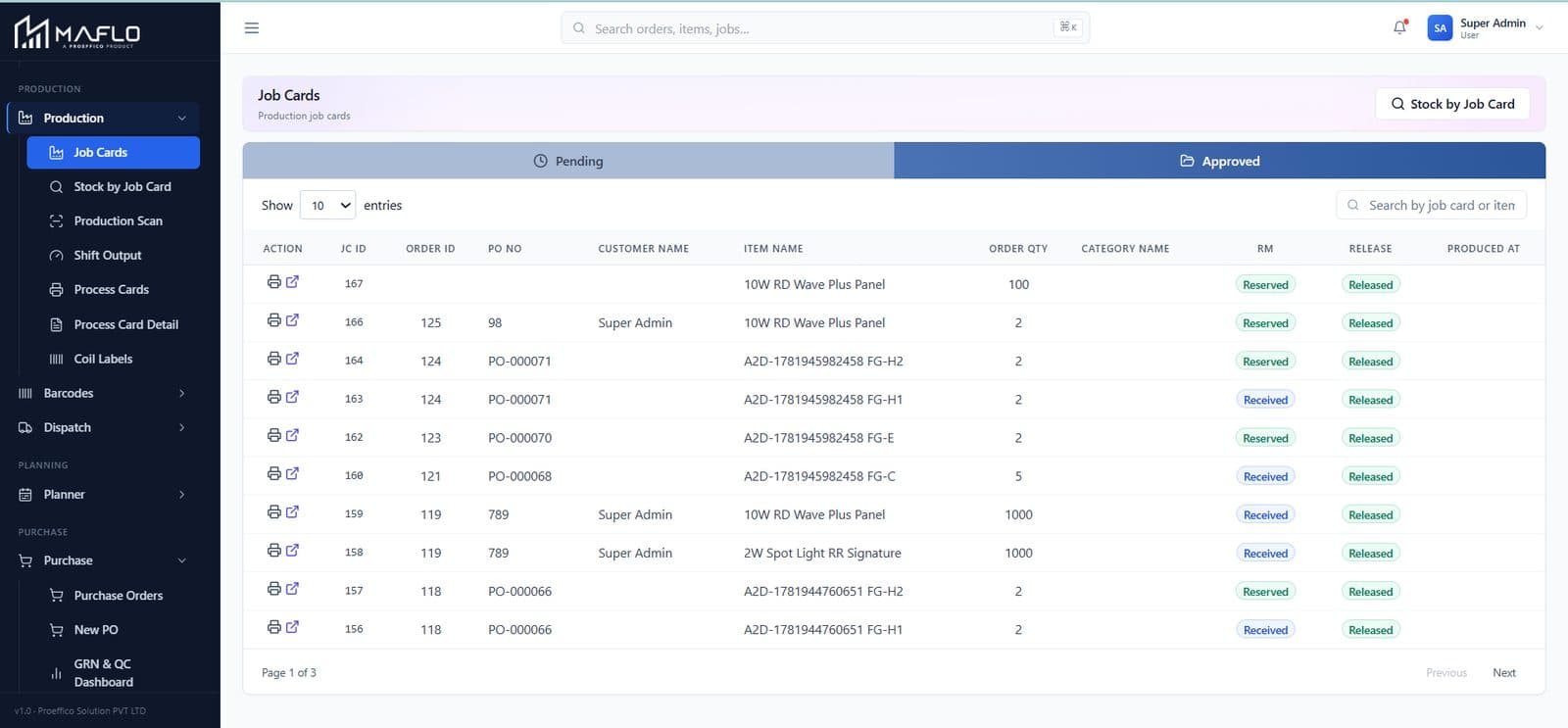
MES + Job Cards — live MAFLO screen

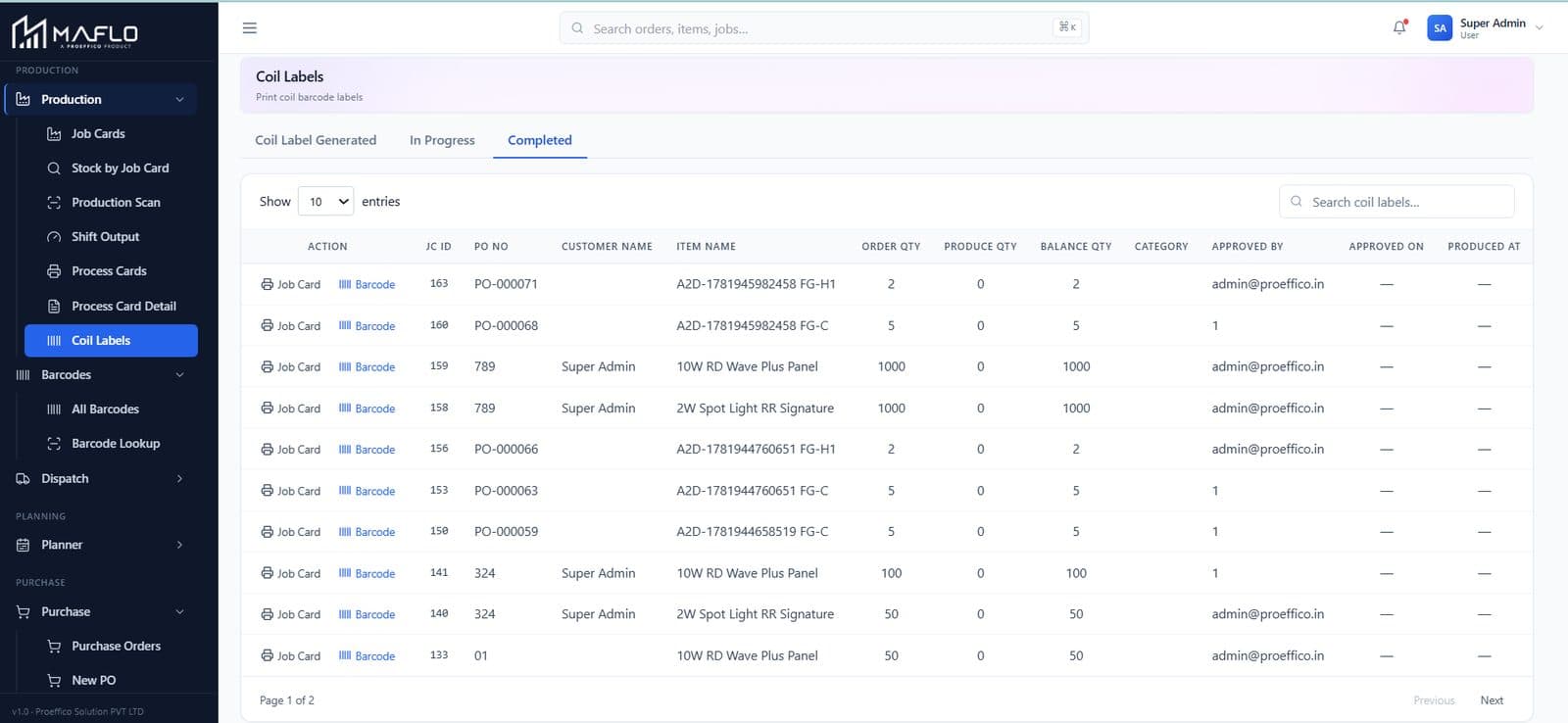
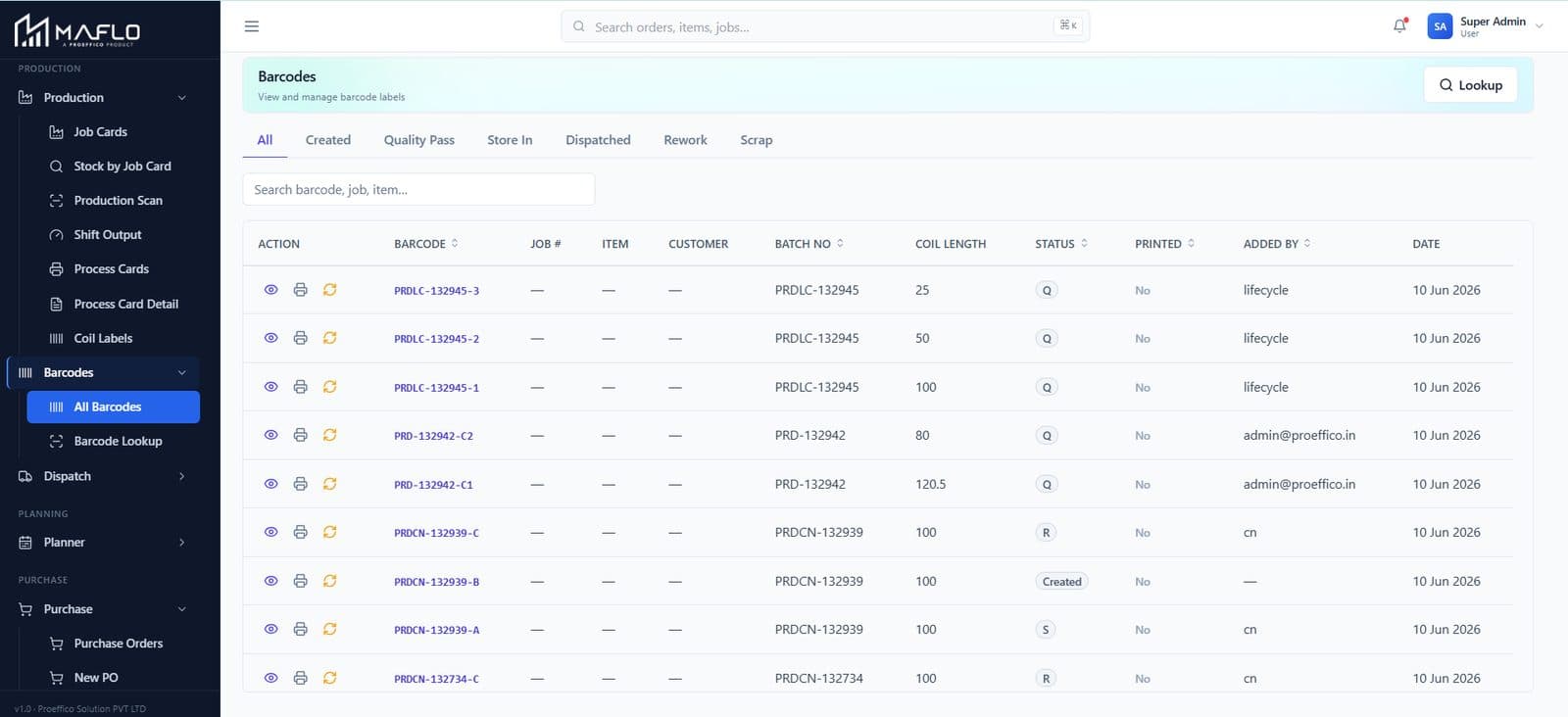
Coil / SKU barcoding

Every output unit gets a unique barcode. Scan at production, QC, FG put-away, dispatch and dealer receipt. The barcode is the trace — RM lot in, FG batch out.

  • One-time barcode per coil / SKU — no duplicates
  • Linked to job card, BOM, machine, shift, operator
  • Visible on every downstream module via barcode lookup
  • Customer Process Sheet auto-prints from the barcode trail
Coil / SKU barcoding — live MAFLO screen

Shift output ledger

Production output by date, shift, machine and line. The same scan ledger that records each unit aggregates upward — Units / Scans / Total Length / Stages.

  • Stages tracked: Created → Store In → QC Pass → Dispatched
  • Shift handover reads from the same record the operator just scanned
  • Auto-flag for unders / overs vs the plan
  • Print or export — same data spine as the dashboard
Shift output ledger — live MAFLO screen

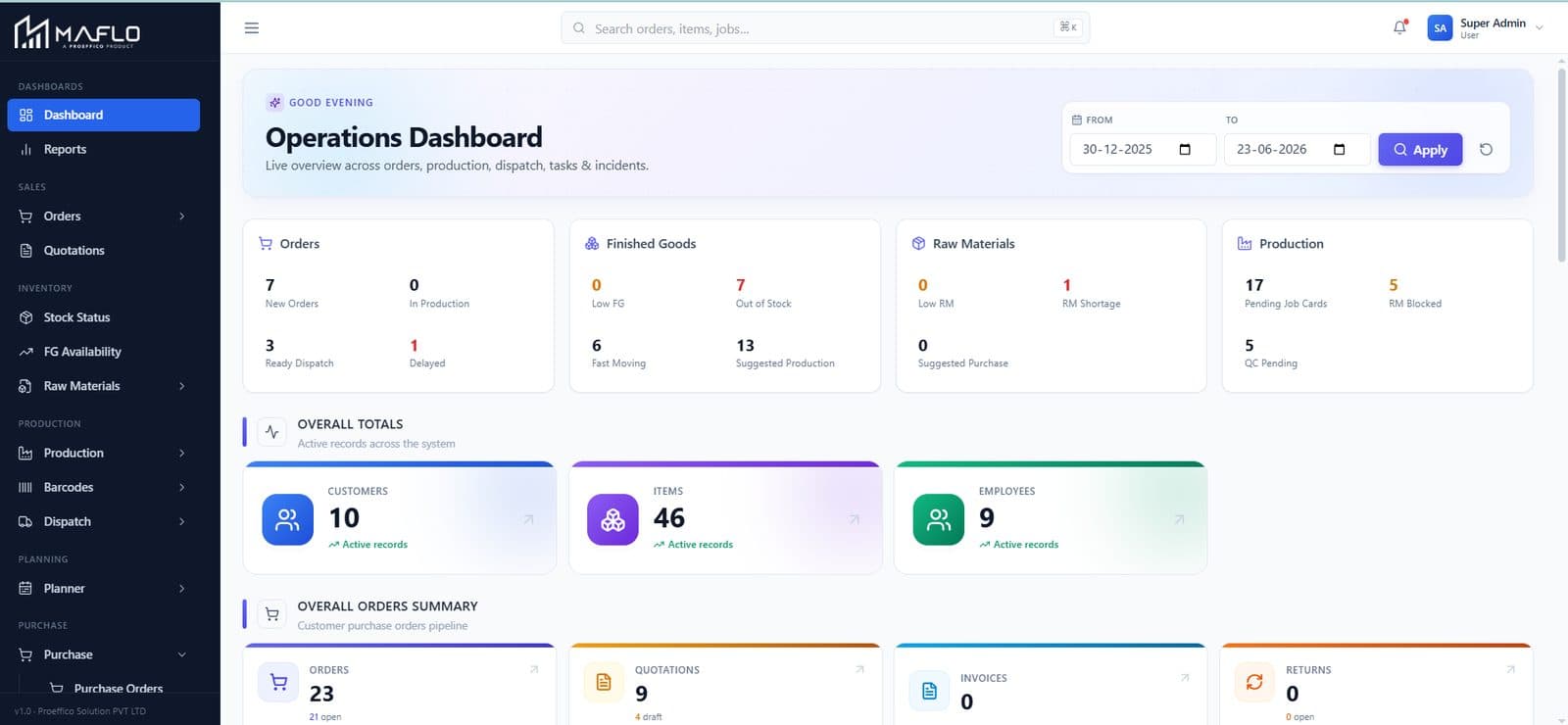
Production workflow

The full production view: open job cards, RM issued, machine assignment, QC pending, dispatch ready. One screen, all states.

  • Filter by line, machine, customer, status
  • Drag a job to a different machine — capacity load updates
  • Pending → Active → Hold → Closed all visible in the same Gantt
  • Tied to MRP exceptions — the planner sees the impact of a stall
Production workflow — live MAFLO screen

See your shop floor honest.

Share a sample BOM and 50 SKUs. We'll show you the dashboard catching ghost production on your own data — in 30 minutes.

Book a walkthrough
Shop Floor — questions owners ask

Shop Floor FAQ

My supervisors aren't app people. How will they actually scan?

The handheld view is one screen. Pick a Param Type, scan the barcode, enter the reading. We've trained operators with 8th-standard education in two sessions. The supervisors don't adopt the scanner because we asked nicely — they adopt it because the dashboard's asking for numbers and they have nowhere else to get them.

What happens to historical production data — do we lose it?

No. We onboard the last 3–6 months of production records during implementation so the dashboard isn't empty on day one. Historical data feeds into the trend charts and customer-wise / item-wise reports from go-live.

How does rework get tracked? My OEM customer audits this.

Rework is a branching state in the job-card FSM (e.g. QC Fail → Rework → Re-QC). Each loop carries its own barcode trail. The audit report shows total reworks, by reason and by machine — exactly what your TS 16949 / IATF auditor wants.